Aerospace Flight Trajectory Simulator
A downloadable game
Demo / Tutorial:
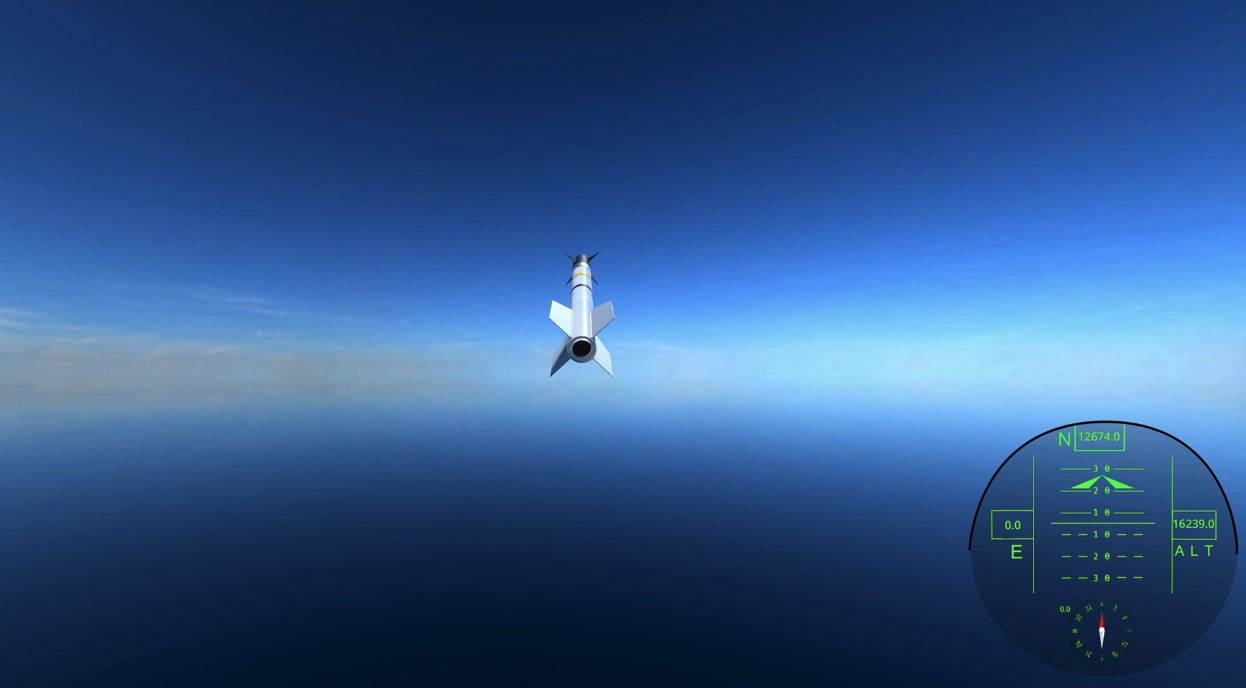
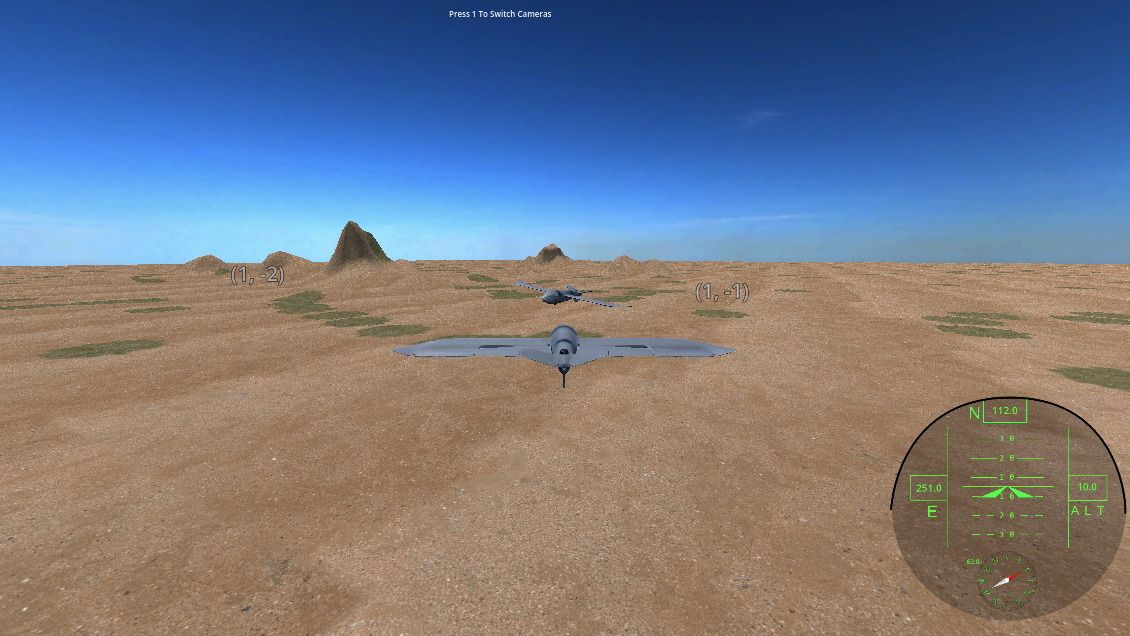
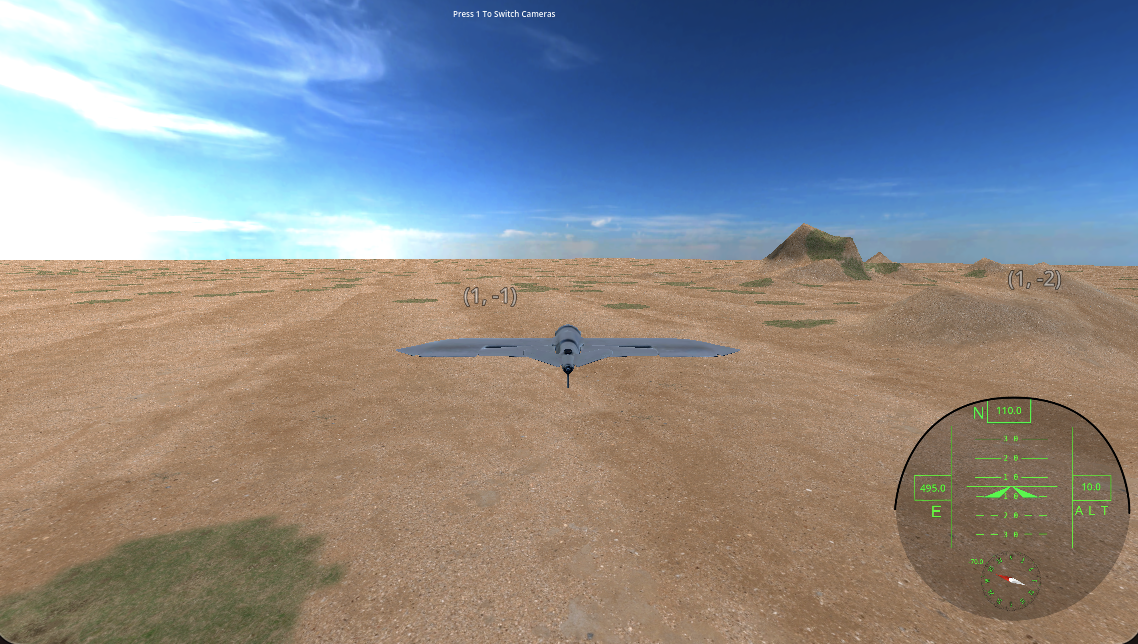
A custom flight simulator created using Godot which loads and replays trajectory data from 1 or more csv files.
Compiled for: OSX, Linux, Windows
Source Code: https://github.com/Vinayak-D/AeroTrajectorySim
Download
Install instructions
Simply download according to your OS, extract the zip, go to the executable's location, ensure the trajectories folder is present along with the example CSV files, and launch!
CSV file format: 6 columns
- Column 1: X position
- Column 2: Y position
- Column 3: Z position
- Column 4: Roll angle
- Column 5: Pitch angle
- Column 6: Yaw angle
***Distances must be in meters and angles must be in radians.
You can then add your own CSV files (minimum 1 required),
- If you want to visualize a UAV, be sure to have "UAV" in the CSV file name.
- If you want to visualize a missile, be sure to have "missile" in the CSV filename.
- Example: uav1.csv, uav2.csv, missile1.csv, missile2.csv, missile3.csv
DO NOT delete or rename the trajectories folder or leave it empty!
Source Code: https://github.com/Vinayak-D/AeroTrajectorySim
Comments
Log in with itch.io to leave a comment.
Hi, I tried simulating a Flight data from OpenRocket csv and i converted to the same CSV file format: 6 columns but in the simulations, there is error its launching inverted into ground showing altitude in - negative , and simulations is too fast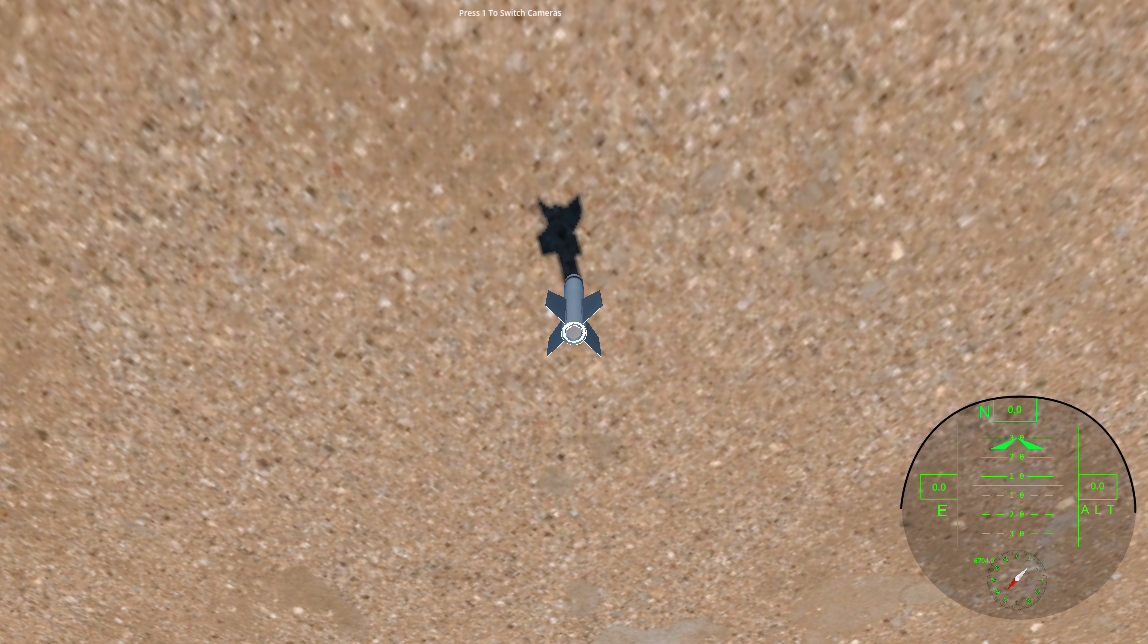
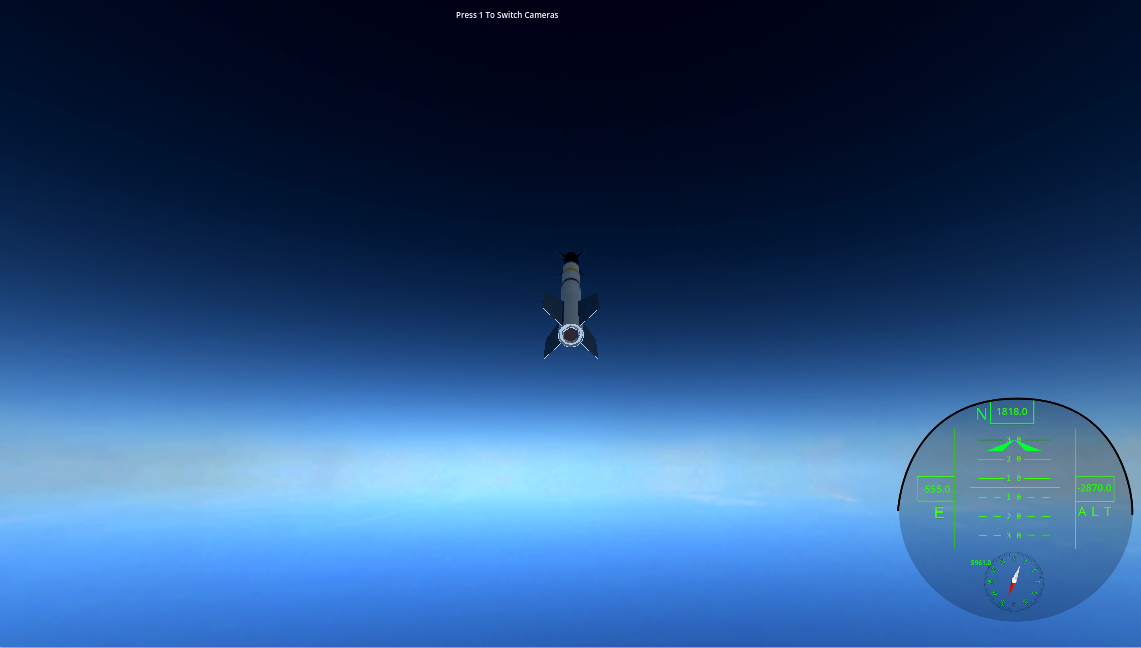
Can you check the NED down (z, column 3... height) value in the OpenRocket CSV (should be negative numbers), which will then become positive in this simulator.
Yes the simulation is quick, since your CPU is quick so the timesteps run very fast, I have kept the sample time reasonable at 0.01 seconds
If any issues, please add your comments here